Waze vs Google Maps: Key Differences You Should Know
This blog post explores the key differences between Waze and Google Maps, two popular navigation apps. It begins by highlighting their unique features, such as Waze’s community-driven updates that help users avoid traffic and hazards, while Google Maps provides comprehensive mapping and a wealth of location information. The article explains how Waze’s navigation prioritizes real-time user data, whereas Google Maps offers detailed route options and additional services like local business information. Both apps have distinct advantages: Waze excels in user-reported traffic incidents and alternate routes, whereas Google Maps is favored for its all-encompassing geographic detail and offline functionality. Ultimately, the post guides readers in choosing the right app based on their specific needs and driving preferences. This comparison of Waze vs Google Maps is essential for anyone seeking the most efficient navigation tools.
Understanding the Differences Between Waze and Google Maps
When considering the Waze vs Google Maps debate, it’s essential to examine the fundamental features and functionalities that distinguish these two popular navigation apps. Both applications offer unique advantages catering to different user preferences and needs. Understanding these differences can help users choose the best navigation app for their specific situations.
The Waze app features a crowd-sourced model, which allows it to provide real-time traffic updates from users on the road. This system actively updates route suggestions based on live data, helping drivers avoid congestion and potential delays. In contrast, Google Maps features a more traditional approach to navigation, using established maps and satellite imagery to guide users. The app offers robust features, such as public transport routes, business reviews, and additional geographical information that make it more versatile beyond just driving.
Key Differences
- Real-time traffic updates from users (Waze) vs. static traffic info (Google Maps).
- Community-driven alerts for hazards, police, and accidents (Waze) vs. business listings and reviews (Google Maps).
- Customizable routes based on user preferences (Waze) vs. more comprehensive mapping capabilities (Google Maps).
- Emphasis on最快路径 和时间节省 (Waze) vs. multi-modal transportation options (Google Maps).
- Social features and gamification (Waze) vs. integrated local business information (Google Maps).
In the Waze vs Google Maps comparison, highlighted features reveal distinct strengths. Waze excels in user engagement through its gamified experience and community-driven traffic information, while Google Maps shines with its extensive database and diverse transportation alternatives. Users can weigh the Waze vs Google Maps pros and cons according to their specific needs, whether prioritizing real-time updates or comprehensive location information.
The decision to select a navigation app can often hinge on varied factors, such as daily commuting patterns, preference for real-time updates, or reliance on precise mapping capabilities. Ultimately, analyzing the Waze vs Google Maps accuracy in delivering route information and traffic updates can provide deeper insights into which application suits users better for their unique travel scenarios.
How Waze Navigation Works
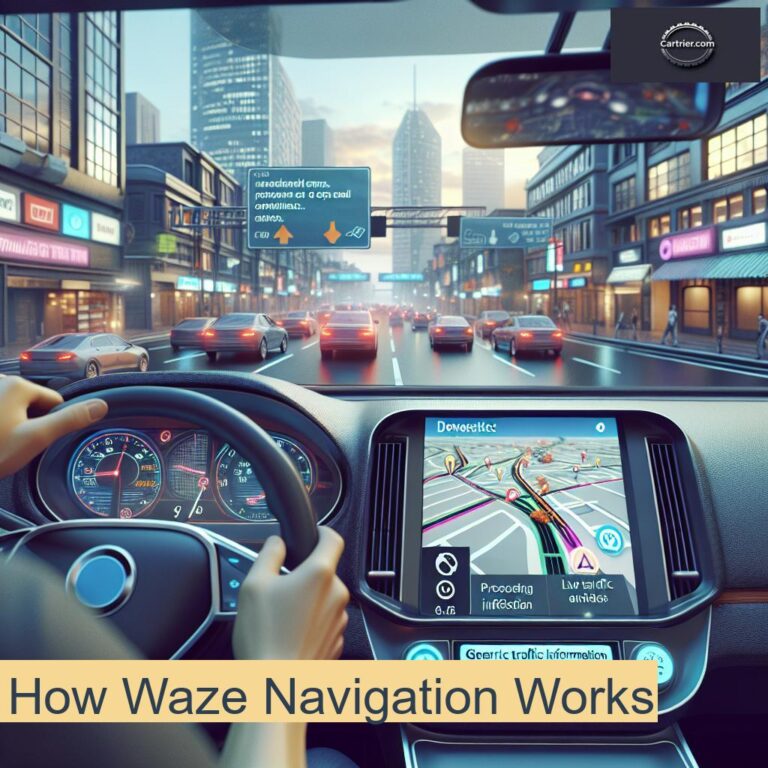
The Waze vs Google Maps debate often hinges on how each navigation tool operates, particularly when it comes to real-time updates and user interaction. Waze thrives on user-generated content, allowing drivers to share alerts about traffic conditions, accidents, and more. This community-driven approach enhances the app’s functionality and leads to a more dynamic navigation experience. In contrast, Google Maps relies more on its comprehensive data collection methods and established traffic algorithms.
One of the core Waze app features is its ability to provide accurate and timely traffic updates. Users can report issues such as accidents or road hazards directly through the app, which then recalibrates routes for other drivers. This creates a fluid navigation experience where users can avoid traffic jams and get the quickest routes. Furthermore, the app encourages user engagement, which not only improves accuracy but also builds a sense of community among drivers.
Steps to Use Waze
- Download the Waze app from your preferred app store.
- Create an account or log in to an existing one.
- Allow Waze to access your location for real-time navigation.
- Enter your destination in the search bar.
- Review the suggested routes and choose one based on your preferences.
- Start navigating, and keep the app open to receive updates.
- Engage with the community by reporting any traffic issues you encounter.
The effectiveness of Waze navigation primarily stems from its dynamic architecture. When comparing Waze vs Google Maps, it’s essential to consider how each app presents information. For instance, Waze offers a user-friendly interface that highlights alerts and route changes, while Google Maps may present a broader context for distance and landmarks. Understanding these nuances can greatly influence your choice in a navigation app.
Real-time Traffic Updates
One of the standout features in the Waze and Google Maps comparison is Waze’s real-time traffic updates. By crowd-sourcing data from drivers on the road, Waze is able to deliver impressive accuracy when it comes to traffic conditions. Users are prompted to report incidents, which allows the app to constantly adapt to current road situations. This can be especially useful during peak hours or in unfamiliar areas.
User Notifications
In addition to traffic updates, Waze excels in providing user notifications that inform drivers about upcoming hazards, speed traps, and road closures. This feature enhances safety by allowing users to stay alert and informed throughout their journey. While Google Maps offers traffic info and navigation as well, the community aspect of Waze promotes a more interactive experience, resulting in rapid updates on changing road conditions.
How Google Maps Navigation Works
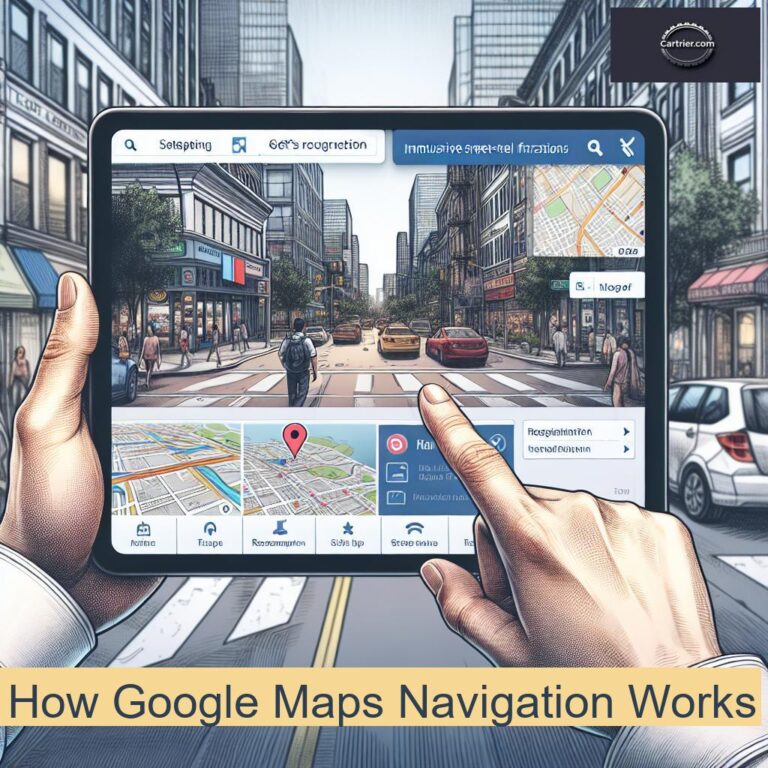
When comparing Waze vs Google Maps, understanding how each app functions is critical to selecting the right navigation tool for your needs. Both applications provide detailed mapping solutions; however, they each have unique approaches that cater to different types of users. Google Maps excels in providing comprehensive mapping features and real-time geographical information, making it a favorite among commuters and travelers alike. Users often find its interface straightforward and user-friendly, which is an essential factor when navigating unfamiliar locations.
In the Waze vs Google Maps comparison, one of the primary features that set Google Maps apart is its extensive integration with various data sources. Google Maps offers accurate GPS navigation and notifies users regarding traffic conditions, road closures, and estimated arrival times. Furthermore, it extends its capability by offering public transportation options, cycling routes, and even walking directions. These features combined create a comprehensive navigation experience that caters to diverse travel needs.
- Open the Google Maps app.
- Search for your desired destination.
- Select your preferred mode of transportation.
- Review the suggested routes and choose one.
- Begin navigation by tapping the ‘Start’ button.
- Follow the voice-guided directions provided.
- Utilize traffic updates to adjust your route if necessary.
The accuracy of Waze vs Google Maps is another point of contention among users. Google Maps prioritizes providing steady, reliable information regardless of the situation. In contrast, while Waze also offers substantial real-time data, its focus is predominantly on community-driven information, making it especially effective for current traffic conditions and alerts about upcoming hazards. Users should consider their preferences regarding traffic updates and navigation accuracy when choosing the best navigation app for their lifestyle.
Advanced Mapping Features
Google Maps boasts various advanced mapping features that enhance the user experience. For instance, the integration of satellite view and Street View allows users to visualize their surroundings before arrival. Additionally, users can find points of interest, read reviews, and even check hours of operation for businesses. This multifaceted exploration keeps Google Maps rich and versatile, catering to various needs, thereby maintaining its status as a leading navigation tool in the Waze vs Google Maps pros and cons evaluation.
Offline Navigation
Another notable feature of Google Maps is its offline navigation capabilities, which are vital for travelers venturing into areas with limited or no internet connectivity. Users can download specific maps for their desired locations, ensuring that navigation remains accessible without data usage. While Waze does not primarily focus on offline functionality, Google Maps enables users to enjoy seamless navigation even without a steady internet connection, thus enhancing its appeal over Waze in certain situations.
Advantages of Using Waze

The Waze vs Google Maps discussion often leads to various insights about how both navigation apps cater to different user needs. When it comes to leveraging real-time data, Waze tends to have the upper hand due to its community-driven approach. Users actively report traffic events, accidents, road closures, and police presence, thus improving the overall accuracy of traffic updates. This unique feature places Waze at a significant advantage in terms of providing up-to-the-minute information that can significantly affect your travel time.
Furthermore, the Waze app features are designed to enhance user experience and engagement. The app includes voice-guided navigation with customizable voices, allowing users to pick a navigation voice that suits their personality or mood. Additionally, Waze gamifies the navigation process, rewarding users with points for reporting incidents and answering questions, which encourages active participation. This adds an element of fun to reaching one’s destination, differentiating it from other apps like Google Maps.
Key Advantages
- Real-time community updates for traffic and road conditions
- Customizable voice-guided navigation
- Gamification elements that encourage user engagement
- Intuitive interface specifically designed for quick route alterations
- Alerts for speed traps and police activity
- Frequent updates based on user reports
- Ability to find the fastest route based on current conditions
In terms of Waze vs Google Maps accuracy, Waze often shines when it comes to predicting traffic patterns and adjusting routes promptly. This is particularly beneficial for individuals who commute during peak hours or frequently travel in urban settings. While Google Maps also provides traffic info, it may not always capture sudden changes as rapidly as Waze. Thus, for real-time navigation needs, Waze proves to be an excellent choice, especially for those who prioritize speed and efficiency on the road.
Advantages of Using Google Maps
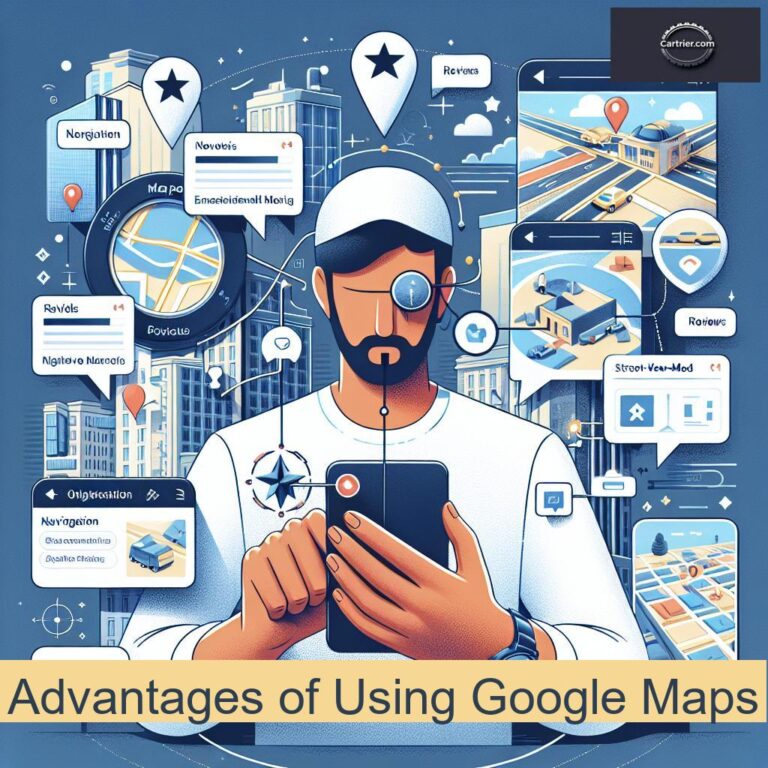
The advantages of using Google Maps are plenty, especially when considering its features in a Waze vs Google Maps context. Google Maps has evolved into a robust navigation tool, offering detailed maps, extensive points of interest, and seamless integration with various Google services. Its comprehensive traffic data contributes significantly to route optimization, making it a strong contender in the Waze vs Google Maps comparison. Users often find that the accuracy and reliability of Google Maps are paramount when planning their travel itineraries.
One of the standout features of Google Maps is its ability to provide real-time traffic information. Users can access Google Maps traffic info, helping them avoid congested routes and save valuable time. This feature is especially beneficial for those who travel frequently, as it combines satellite data and user reports to optimize driving routes efficiently. Therefore, the Waze vs Google Maps accuracy comes into play, as Google Maps offers an extensive network of data sources to enhance navigation precision.
Core Benefits
- Real-time traffic updates, providing users with accurate insights into road conditions.
- Extensive database of points of interest, including restaurants, gas stations, and attractions.
- Seamless integration with other Google services, enhancing user experience.
- Ability to save and share locations for easy group planning.
- Offline map accessibility for areas with limited internet connection.
While comparing the pros and cons in the Waze vs Google Maps pros and cons discussion, Google Maps shines with additional functionalities such as public transportation navigation, biking directions, and street view features. These elements make it a versatile tool not just for driving but for various travel types. The reliable updates and system-wide feedback can transform the way users interact with their environment, placing Google Maps at the forefront of navigation options. In conclusion, navigating the best navigation app landscape involves understanding these varied advantages, firmly establishing Google Maps as a highly functional and user-friendly choice.
Which Navigation App Should You Choose?
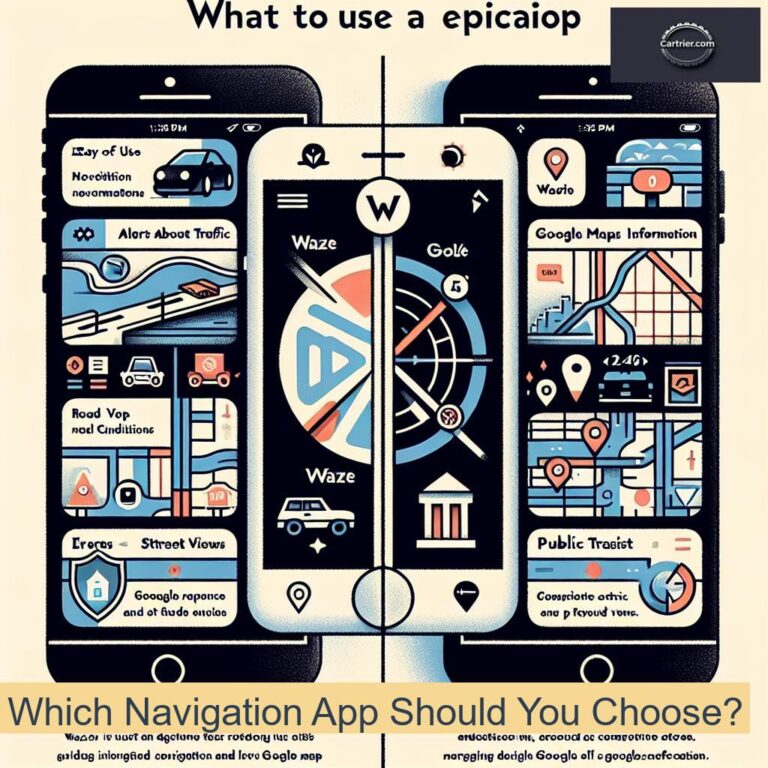
In the ongoing debate of Waze vs Google Maps, many users often wonder which app offers the best performance and features for their navigation needs. By understanding the individual strengths and weaknesses of each app, consumers can make a more informed choice. The decision often boils down to the specific use case and personal preferences regarding real-time updates and user interface.
When considering the Waze vs Google Maps comparison, it’s essential to highlight that each application has its unique strengths. For instance, the Waze app features a highly interactive user interface, which allows active participation from drivers, including reporting incidents and traffic conditions. Conversely, Google Maps features offer a more comprehensive approach, including extensive business information, satellite imagery, and public transportation options. Understanding what each app excels in can provide a clearer pathway to determining which is the best navigation app for you.
Ultimately, the choice of a navigation app hinges on personal preferences and specific needs.
Moreover, when evaluating Waze vs Google Maps accuracy, it’s important to note the differing methodologies in how traffic and navigation updates are delivered. Waze leverages user-generated data to provide real-time traffic updates, including Waze traffic updates, which can change rapidly based on user input. Google Maps, on the other hand, has a robust data collection process from various sources, providing consistent Google Maps traffic info. This difference can impact the effectiveness of each app on different routes and conditions.
Final Recommendations
- Consider traffic updates: If real-time updates and community feedback are crucial, Waze might be your top choice.
- For comprehensive navigation and planning, Google Maps is often favored for its detailed information.
- Use Waze for quicker commutes during peak hours, especially in urban areas.
- Leverage Google Maps for long-distance travel and multi-modal transport options.
- Explore the user interface of both apps; choose the one that you find most intuitive.
- Check the compatibility with other apps or services that you use often.
- Evaluate battery consumption; some apps may drain your device more quickly than others.
Understanding these factors can significantly impact your navigation experience, making the Waze vs Google Maps pros and cons clearer as you determine which app suits your needs best.